
Inspect before export
Review the final geometry, material assignments and named parts in the project.
Export revised 3D geometry, named parts and materials as GLB for review and downstream workflows. Understand the boundaries of the GLB round trip.
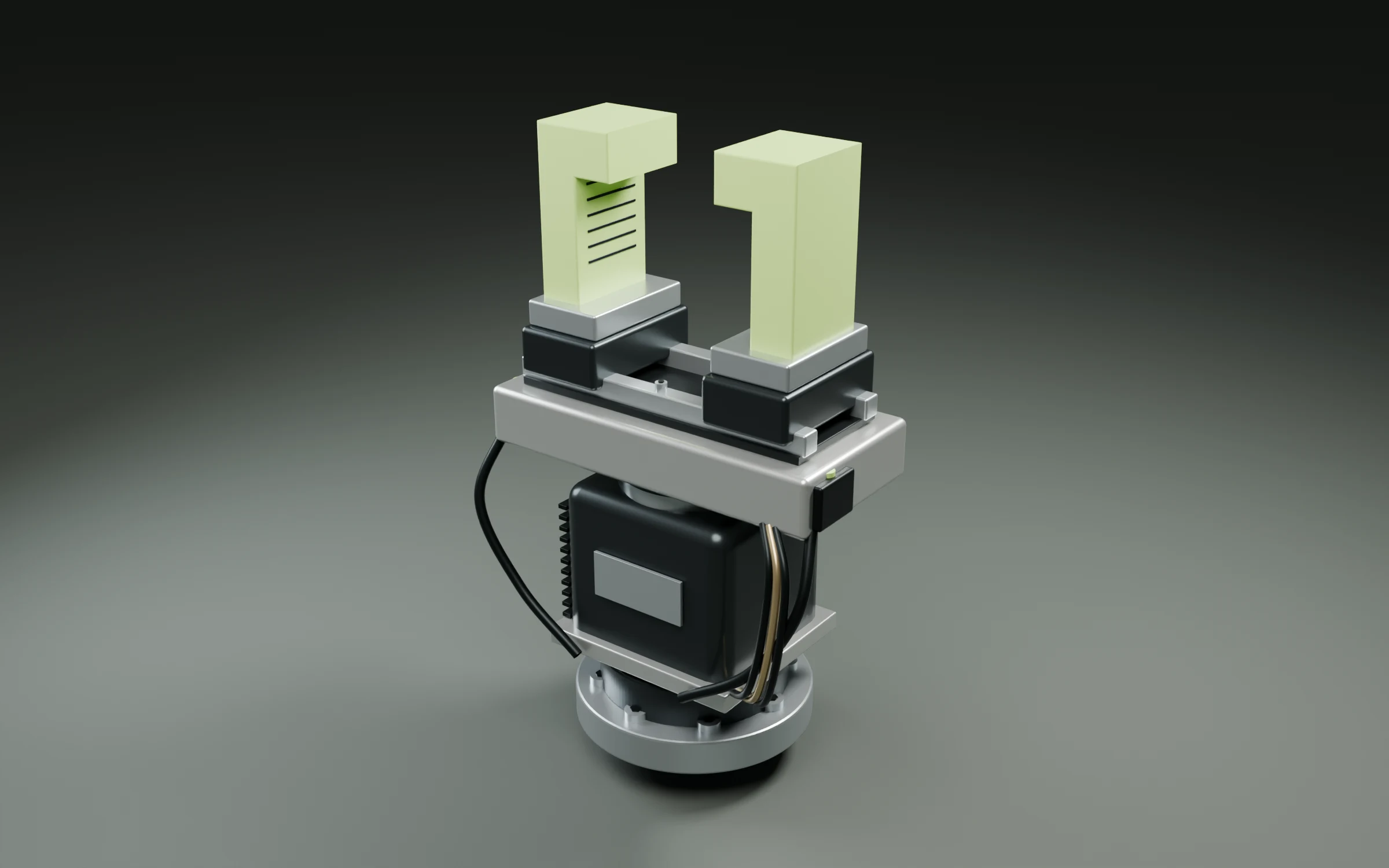
IN PRACTICE
GLB is the verified round-trip format, carrying geometry, part names, materials and embedded preset images. Other formats remain under verification. GLB does not replace a native parametric CAD or BIM project.
Review the final geometry, material assignments and named parts in the project.
Create a GLB handoff for the next stage of visualization, review or further editing.
Open the exported file in the receiving tool and check units, orientation, materials and the parts you revised.
Let’s talk about your sector
Bring the model, the part you need to change, and the context that matters. Apply for professional early access to Refora.