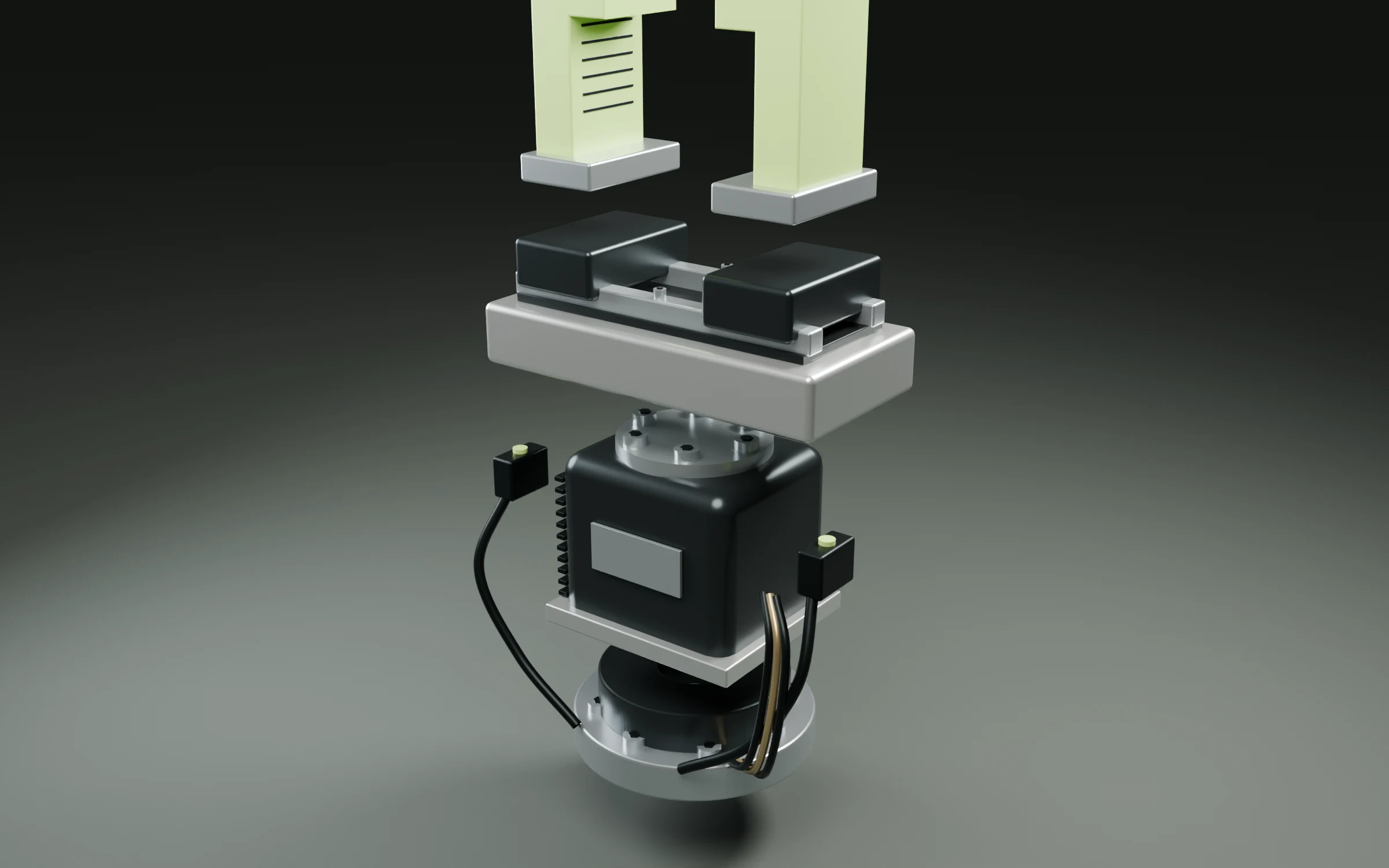
The vocabulary these guides use, defined plainly. Most of it is ordinary 3D terminology that gets used loosely; the definitions below are the ones this site means.
- Part-aware 3D editing
- Part-aware 3D editing is editing a 3D model by addressing a named component within it — a leg, a door, a housing — rather than the mesh as a single undifferentiated surface.Most 3D tools treat an imported model as geometry: a bag of triangles you select by dragging over them. Part-aware editing treats it as an object with a structure, so a request can name the thing it means. The practical consequence is scope. When the target is a named part, the change has a boundary, and everything outside that boundary can be reported as unchanged. When the target is a screen-space selection, the boundary is whatever the artist happened to lasso.
- Part separation
- Part separation is the property of a 3D file whose components are stored as distinct named nodes, so each one can be selected, measured and edited on its own.A file can look correct and still be a single merged mesh, which is the usual reason a seemingly simple edit turns into a rebuild: there is nothing in the file to select. Separation is a property of how the model was authored and exported, not of how it renders. A model with real part separation carries a hierarchy of named nodes; one without it carries a single surface that happens to be shaped like an assembly.
- GLB
- GLB is the single-file binary form of glTF, holding geometry, node names, materials and textures together in one file, widely used to hand 3D models between tools and to the web.glTF is an open transmission format for 3D scenes; GLB packs a glTF and all of its buffers and images into one binary file rather than a folder of loose assets. That self-contained quality is why it has become the practical handoff format for review, visualisation and web delivery. GLB carries a rendered result — meshes, names, materials — not the parametric history, constraints or engineering tolerances of a native CAD project.
- Dimensionally true
- A model is dimensionally true when its measurements correspond to the real object it represents, so a figure read off the model matches the figure you would measure on the thing itself.Visual plausibility and dimensional truth are independent properties. A model can look entirely convincing in a render and be wrong by centimetres, because nothing in the rendering pipeline checks a number. This matters the moment a model stops being a picture and starts being an input — to a quote, a cut list, or a fit check — because at that point a wrong dimension is not a cosmetic flaw, it is a wrong answer downstream.
- Revision scope
- Revision scope is the explicit set of parts a change is permitted to touch, declared before the change runs so the result can be checked against it afterwards.The value of stating scope up front is that it converts a subjective question — does this look right? — into a checkable one. If a plan declares that it will modify four legs and leave the seat and frame untouched, reviewing the result means confirming that boundary held. Without a declared scope there is no statement to falsify, and review collapses back into looking at the render and hoping.
- White-label 3D configurator
- A white-label 3D configurator is a product-configuration interface licensed by a manufacturer and presented entirely under their own brand, with no visible trace of the vendor that built it.Manufacturers who sell configurable products — kitchens, staircases, trailer bodies, marine joinery — need a customer to see options on their own catalogue, in their own materials, under their own name. White-label licensing supplies the underlying editing and rendering capability while leaving the brand, catalogue and commercial relationship entirely with the manufacturer.
- Reference guidance
- Reference guidance is the use of an image to steer selected qualities of an edit — silhouette, proportion, material, colour or construction — rather than to reproduce the pictured object exactly.An image carries many attributes at once, and only some of them are the point. Naming which qualities matter is what separates a usable instruction from an ambiguous one: the same photograph can mean copy this proportion or copy this finish, and those are different edits. Reference guidance is deliberately not visual reconstruction — it does not rebuild the object in the photograph.
- Model version history
- Model version history is a record of a 3D model's successive states, keeping earlier versions available so a revision can be compared against what preceded it or returned to.A revision is only reviewable if the thing it replaced still exists. Keeping each applied operation as a retained version makes the comparison concrete — the same model, the same camera, before and after — instead of a recollection of what the model used to look like. It also makes an unwanted result recoverable rather than final.